
Remote work has become a major part of modern life in Uganda. Whether you're working from home, a co-working space, a café, or while travelling, having the right laptop accessories can significantly improve your productivity, comfort, and overall work experience.
A laptop alone may be enough for basic tasks, but the right accessories can help you create a more efficient and professional workspace. Here are some of the best laptop accessories every remote worker should consider.
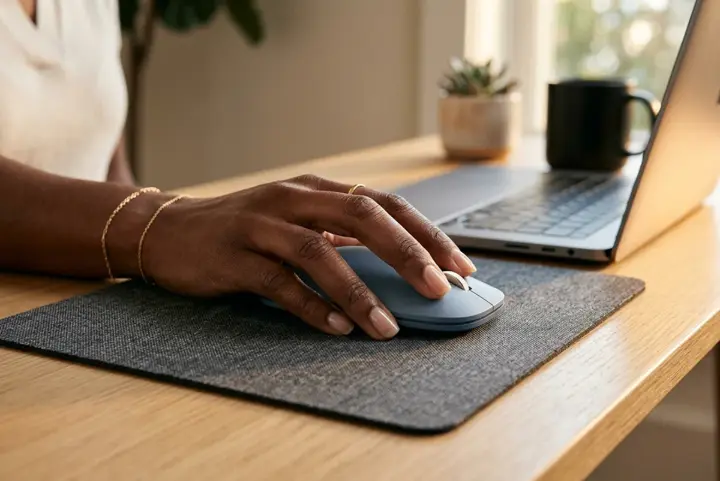
1. Wireless Mouse
Using a laptop touchpad for long hours can become uncomfortable and reduce productivity. A wireless mouse offers better control, faster navigation, and improved comfort during extended work sessions.
Reasons to Get One:
- Improves navigation speed.
- Reduces hand strain from prolonged touchpad use.
- Offers better precision for work tasks.
- Creates a more comfortable working experience.
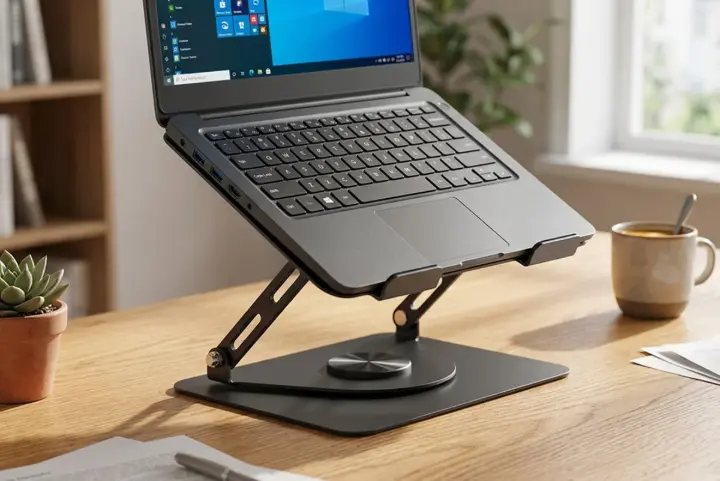
2. Laptop Stand
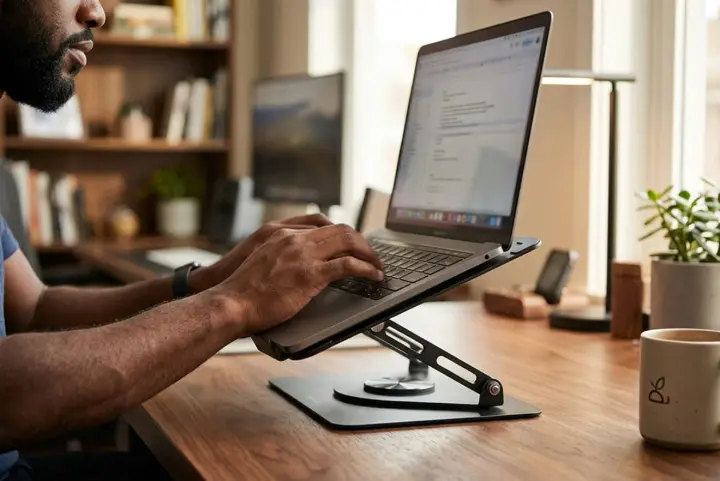
Poor posture is one of the most common challenges remote workers face. A laptop stand raises the screen to eye level, helping reduce neck strain and back pain.
Laptop stands also improve airflow around the device, which can help prevent overheating during intensive tasks.
Reasons to Get One:
- Improves posture while working.
- Reduces neck and back pain.
- Helps keep the laptop cool.
- Creates a more ergonomic workspace.
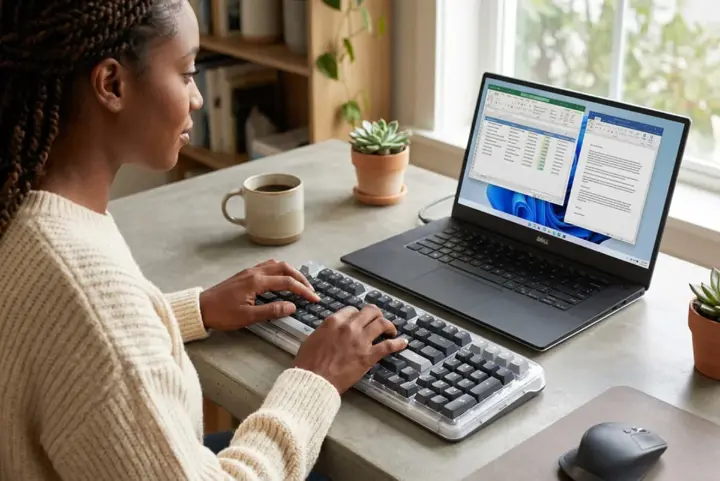
3. External Keyboard
Pairing an external keyboard with a laptop stand creates a more ergonomic working setup. It allows your hands and wrists to remain in a comfortable position while typing.
Reasons to Get One:
- Increases typing comfort.
- Reduces wrist strain.
- Improves typing speed and accuracy.
- Works perfectly with a laptop stand setup.

4. Noise-Cancelling Headphones
Remote work often involves virtual meetings, online collaboration, and focused work sessions. Noise-cancelling headphones help reduce distractions from surrounding environments.
Reasons to Get One:
- Blocks distracting background noise.
- Improves focus and concentration.
- Enhances audio quality during meetings.
- Creates a more productive work environment.
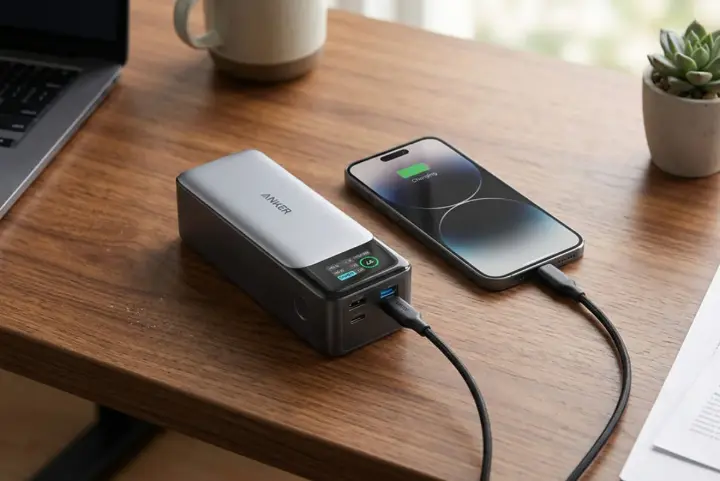
5. Portable Power Bank
Power interruptions can occur unexpectedly, making a portable power bank an essential accessory for remote workers in Uganda.
A high-capacity power bank can keep your devices charged when you're away from a power source, ensuring that important work isn't interrupted.
Reasons to Get One:
- Provides backup power during outages.
- Keeps devices charged while travelling.
- Supports productivity on the move.
- Reduces dependence on wall sockets.

6. Laptop Backpack
A durable laptop backpack helps protect your device while travelling. Modern backpacks include padded compartments, cable organizers, and extra storage for work essentials.
Reasons to Get One:
- Protects your laptop from damage.
- Makes transportation easier.
- Provides organized storage for accessories.
- Suitable for commuting and travel.
7. USB Hub
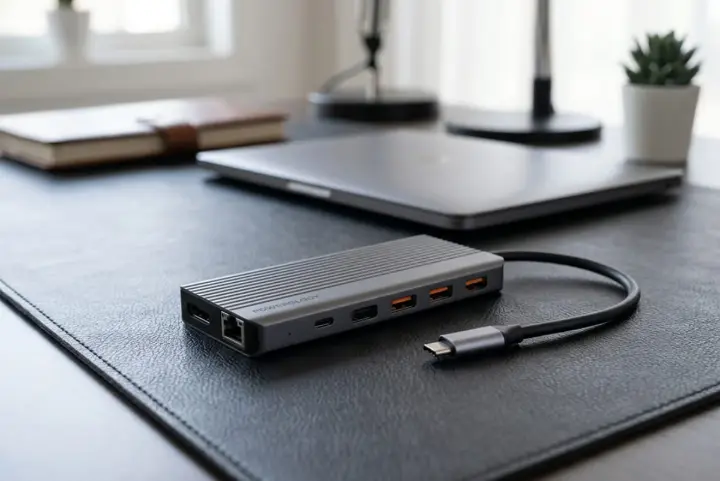
Many modern laptops come with limited ports. A USB hub expands connectivity options, allowing you to connect multiple devices such as flash drives, keyboards, mice, monitors, and external storage devices simultaneously.
Reasons to Get One:
- Expands available ports.
- Connects multiple devices at once.
- Improves workstation flexibility.
- Eliminates the need to constantly swap cables.
8. External Monitor
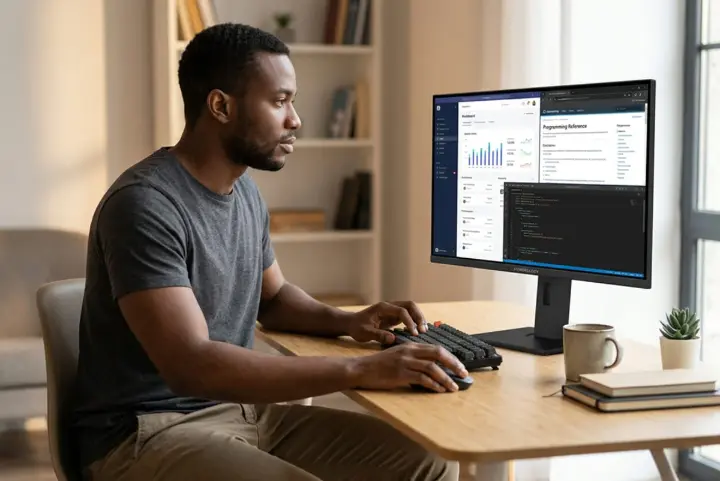
An external monitor provides additional screen space, making multitasking easier. You can keep multiple applications open at once, improving efficiency when working on complex projects.
Reasons to Get One:
- Provides more screen space.
- Improves multitasking efficiency.
- Enhances productivity for professional tasks.
- Reduces the need to switch between windows.
9. Webcam
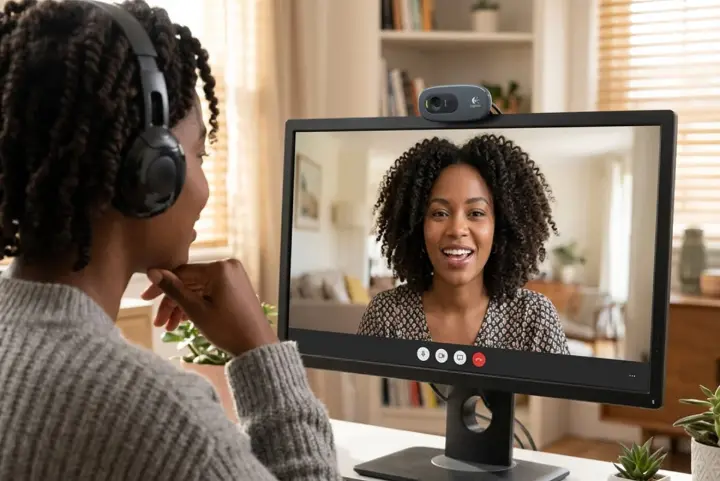
While most laptops include built-in cameras, an external webcam often delivers better image quality for virtual meetings and online interviews.
Reasons to Get One:
- Delivers clearer video quality.
- Improves professionalism during meetings.
- Creates a better impression during interviews.
- Enhances communication with clients and colleagues.
10. Laptop Cooling Pad
Long working hours can cause laptops to generate heat. A cooling pad helps maintain optimal operating temperatures and may improve device performance during demanding tasks.
Reasons to Get One:
- Helps prevent overheating.
- Supports consistent performance.
- May extend laptop lifespan.
- Improves comfort during long work sessions.

11. External Storage Drive
Remote workers often deal with important files, documents, and media. An external storage drive provides additional space for backups and file transfers.
Reasons to Get One:
- Provides extra storage space.
- Enables easy file backups.
- Protects important work documents.
- Simplifies file sharing and transfers.
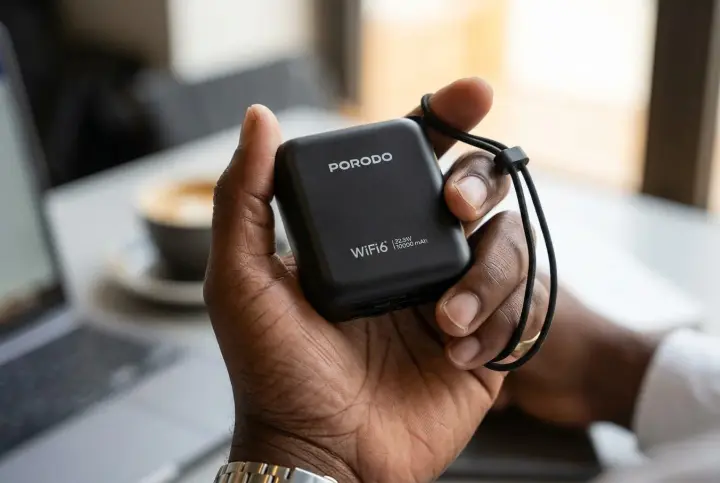
12. Portable Wi-Fi Device
Reliable internet access is essential for remote work. A portable Wi-Fi device allows you to stay connected when travelling or working in areas with limited internet options.
Reasons to Get One:
- Provides internet access in more locations.
- Improves work flexibility.
- Supports online meetings and cloud applications.
- Acts as a backup internet solution.

Tips for Choosing Laptop Accessories
Before purchasing laptop accessories, consider the following:
- Prioritize accessories that improve comfort and productivity.
- Choose products that are compatible with your laptop.
- Focus on durability and build quality.
- Consider portability if you frequently work on the move.
- Compare features and customer reviews before making a purchase.
Final Thoughts
The right laptop accessories can transform your remote working experience. From improving posture and productivity to ensuring reliable connectivity and power, these tools help create a more efficient workspace wherever you choose to work.
As remote work continues to grow across Uganda, investing in essential laptop accessories can help professionals stay productive, comfortable, and prepared for any work environment.